Today i saw a great tip on one of my favorite sites, LifeHacker. How to disable the annoying “restart your computer” nag screen windows update pops up after installing updates. I have been extremely annoyed about it alot of times, since i simply had more stuff to do rather than reboot.
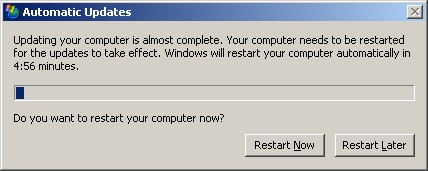
So thanks to Jack (a reader at LH) we can disable that service:
To stop this service, open [Command Prompt] (Start>Run>cmd>Enter) and type the following command sc stop wuauserv. This will not prevent Automatic Updates from starting at the next boot. So don’t worry, you’ll keep getting Windows updates. Just don’t forget to restart eventually.
Amazing tip! Thanks Jack!
Leave a Reply